Broken Glass Overlays: Shattered Glass Effect | Loverlay
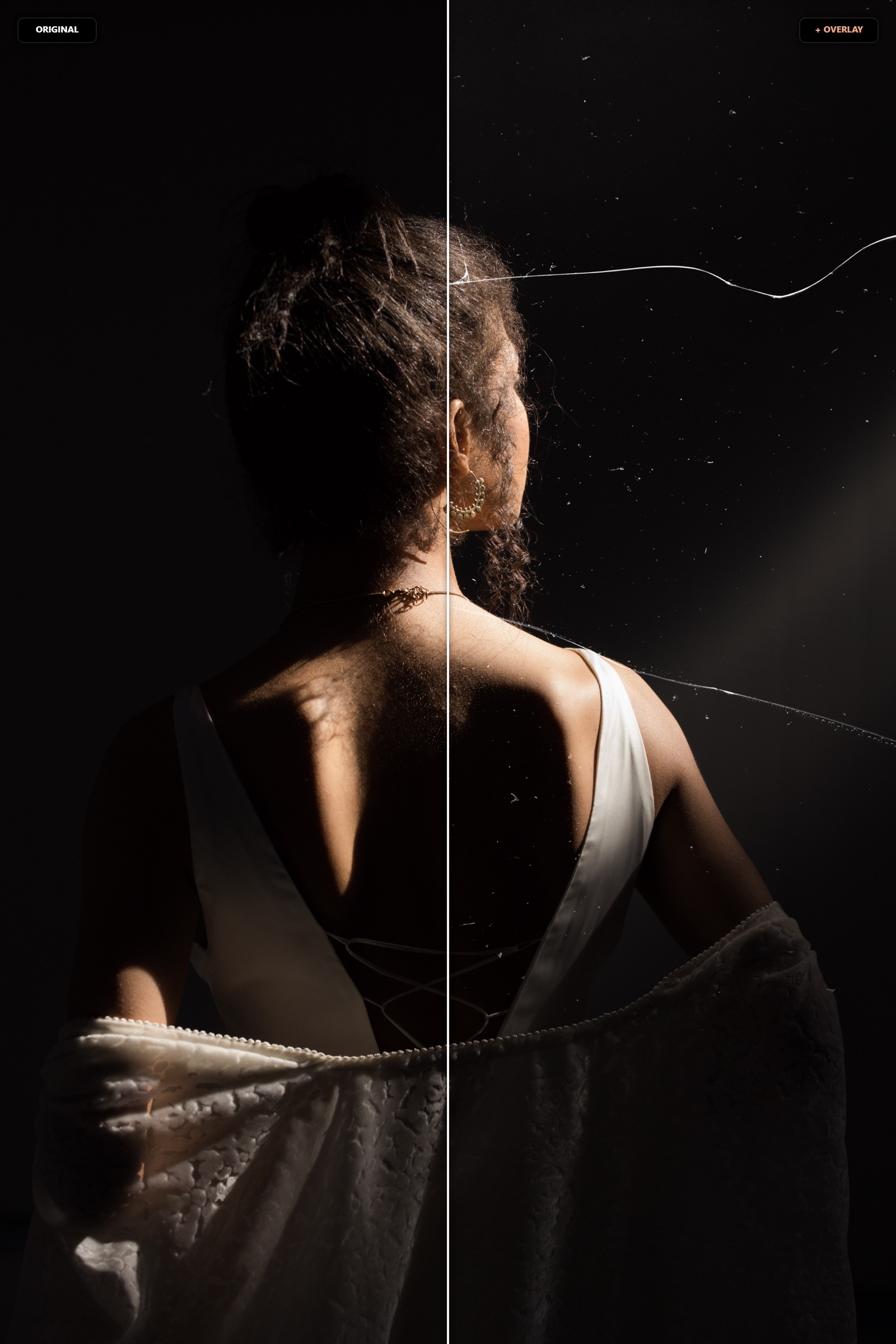
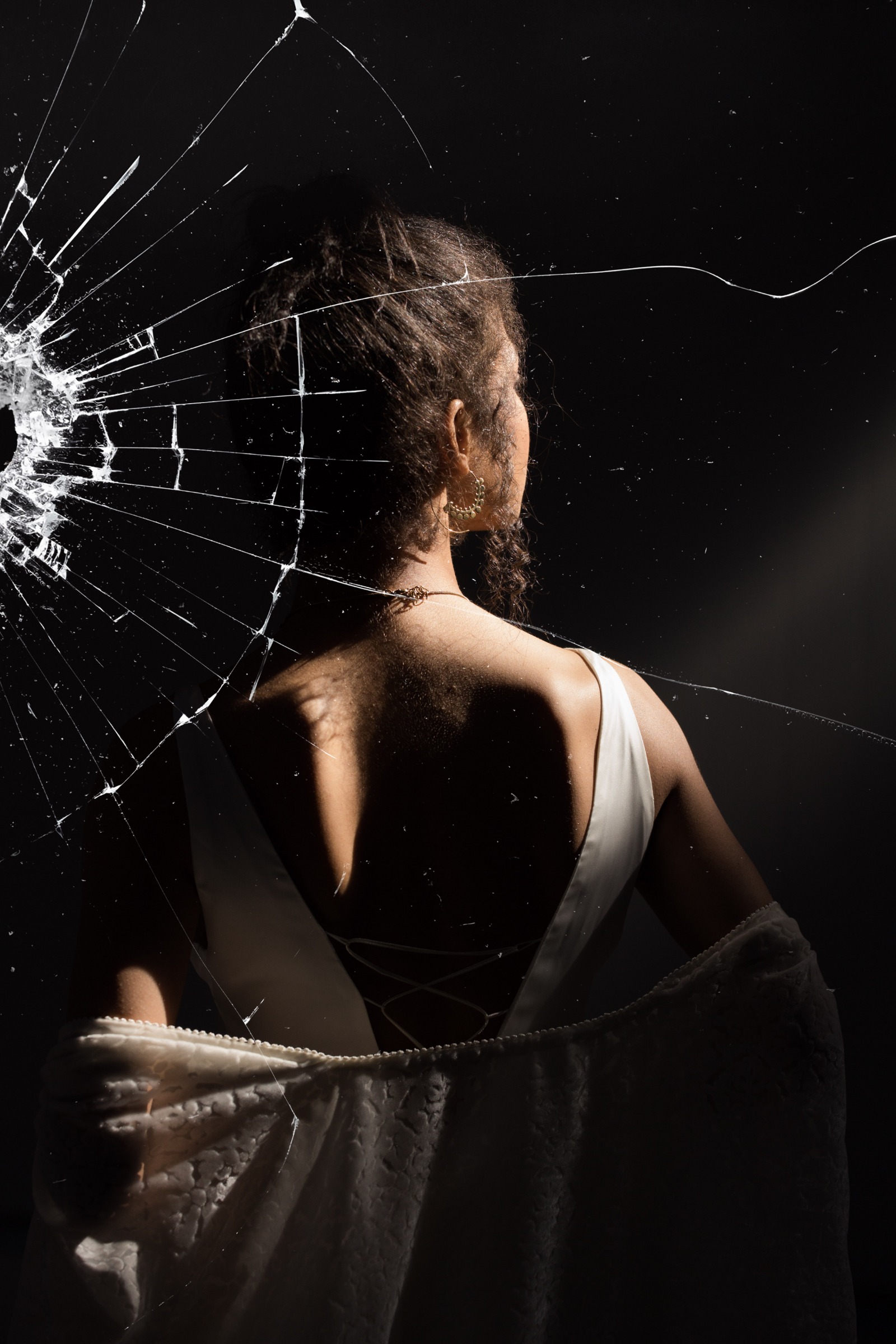
Sharp cracks spreading from an impact point, as if the photo was taken through a shattered window. Try it on the demo photo or upload your own, then download the result.
Best Use Cases & Photography Styles
- Dramatic portraits and posters
- Action and sports photos
- Movie-style artwork
- Music and gaming covers
How to apply Broken Glass overlays in 3 steps
- Upload your photo: Drop any portrait or landscape photo into the browser canvas or test with the sample model.
- Select an overlay: Pick one of the free high-resolution Broken Glass overlays from the sidebar.
- Adjust and export: Tweak opacity, rotation, scale, and blend mode ("Screen"), then download the full-res output.
Frequently Asked Questions
Can I test with my own photos?
Yes, you can upload any image to preview realistic lighting and bokeh effects instantly in your browser.
How does blending work?
Overlays shot on dark backgrounds become transparent when set to Screen blend mode, leaving only vivid, optical light flares.
Can I use the result in Photoshop, Canva or Instagram?
Yes. You apply overlays in the browser editor and download the finished photo as a full-resolution JPEG for any app.