Fog Mist Overlays — Try Online Free | Loverlay
Transform photos with authentic, high quality fog mist overlays directly in your browser.
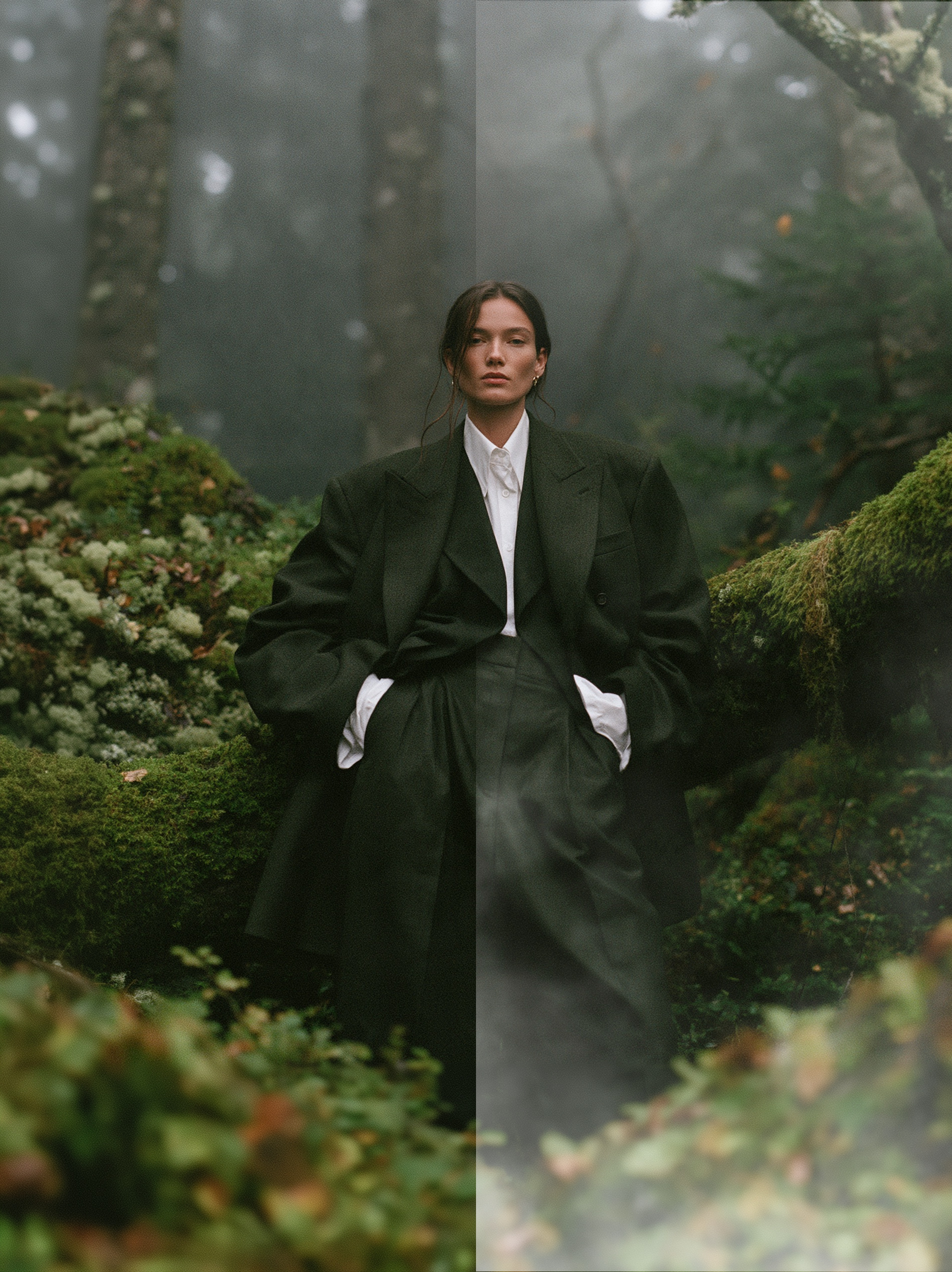
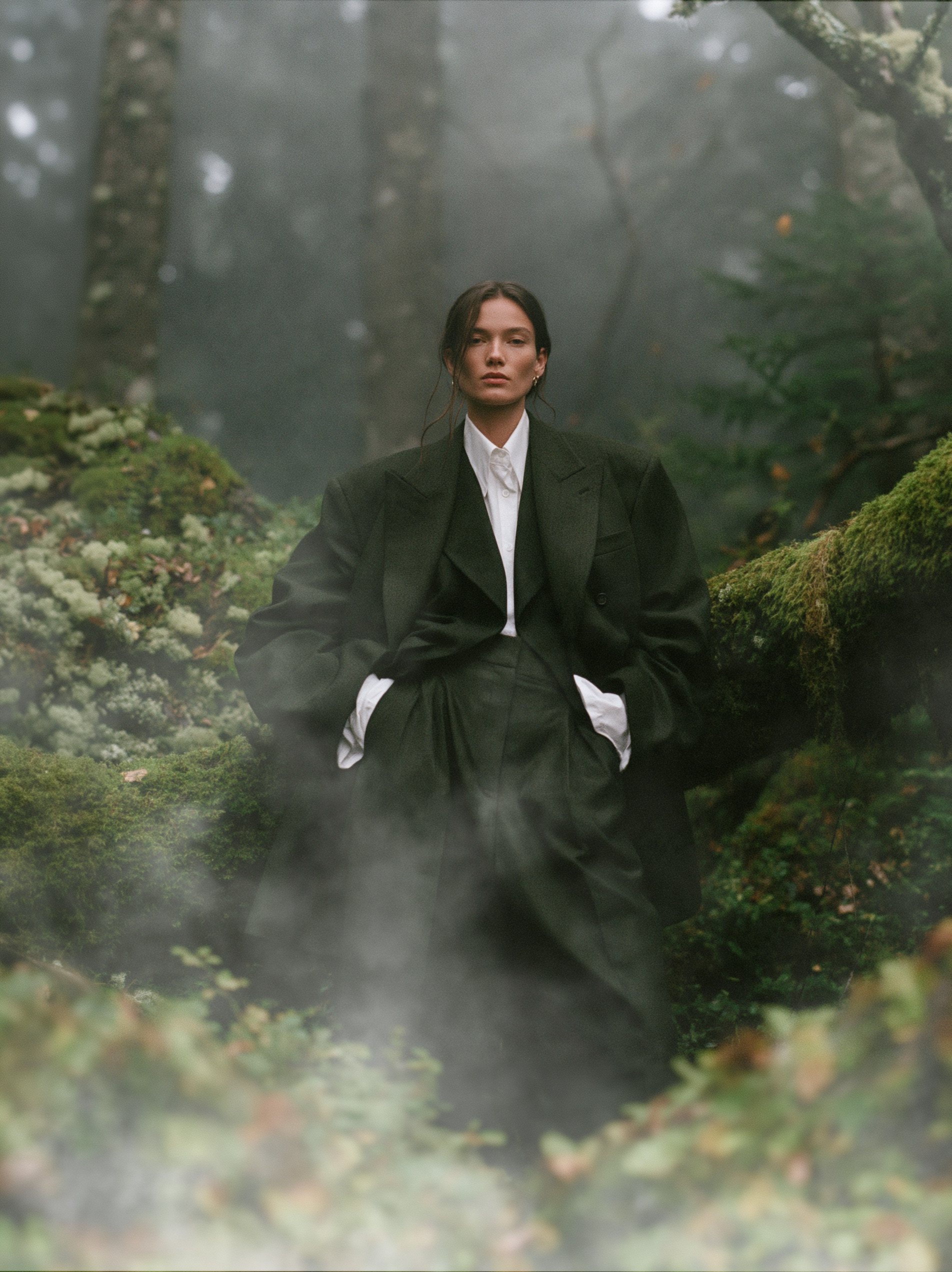
How to apply Fog Mist Photo Overlays overlays in 3 steps
- Upload your photo: Drop any portrait or landscape photo into the browser canvas or test with the sample model.
- Select an overlay: Pick one of the free high-resolution Fog Mist Photo Overlays overlays from the sidebar.
- Adjust and export: Tweak opacity, rotation, scale, and blend mode ("Screen"), then download the full-res output.
Frequently Asked Questions
Can I test with my own photos?
Yes, you can upload any image to preview realistic lighting and bokeh effects instantly in your browser.
How does blending work?
Overlays shot on dark backgrounds become transparent when set to Screen blend mode, leaving only vivid, optical light flares.
Can I use them in Photoshop or Canva?
Yes, downloaded overlays are standard high-resolution image files compatible with any photo editing software.